
Screenshots Billing and Inventory Management Software
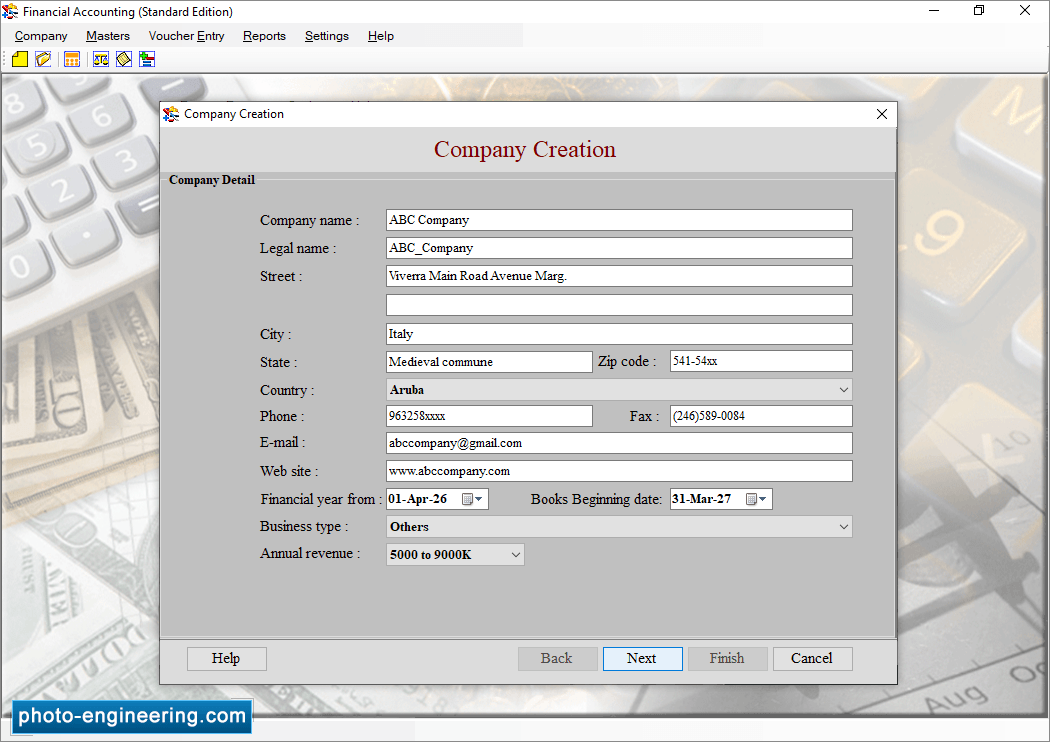
Enter Company Name, Legal Name and other necessary company details then click Next.
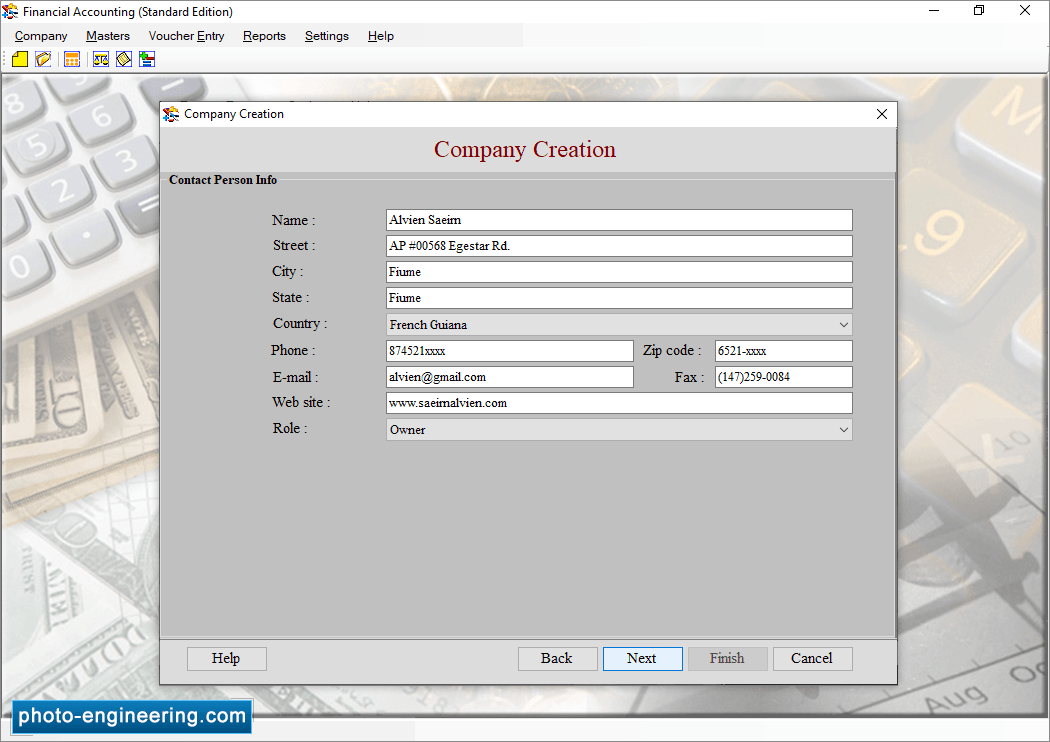
Fill Customer Details (Account Group, Customer Name, Account Number) and Financial Details (Opening Balance, Closing Balance).
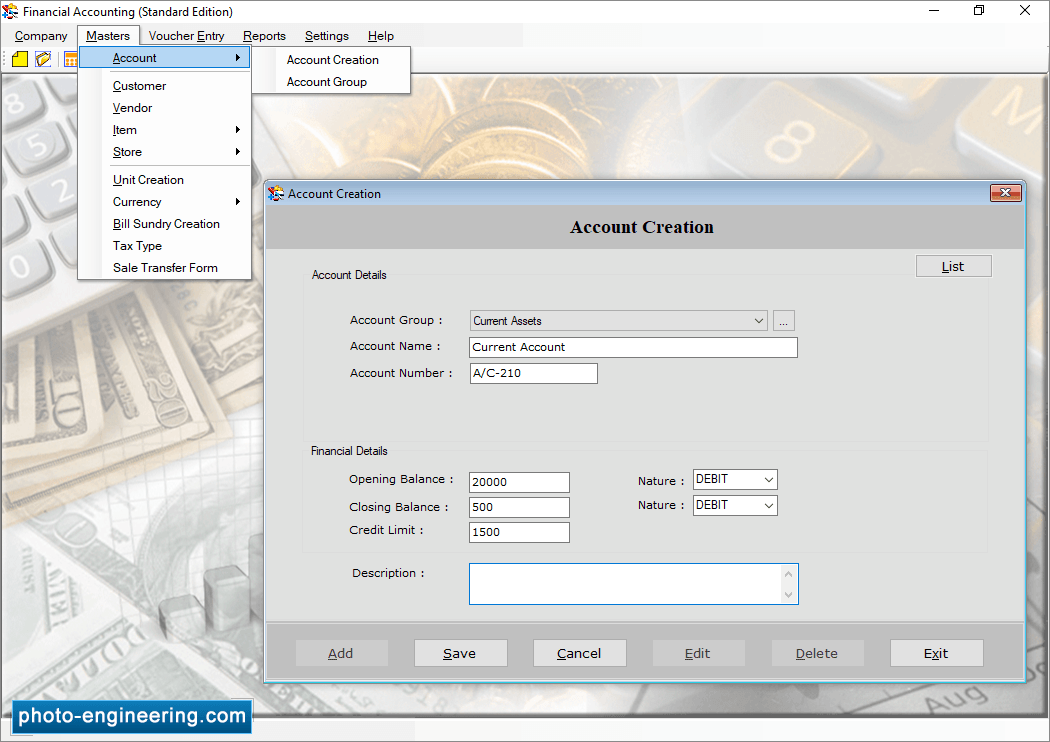
Enter Account Details and Financial Details then click Save for further usage.
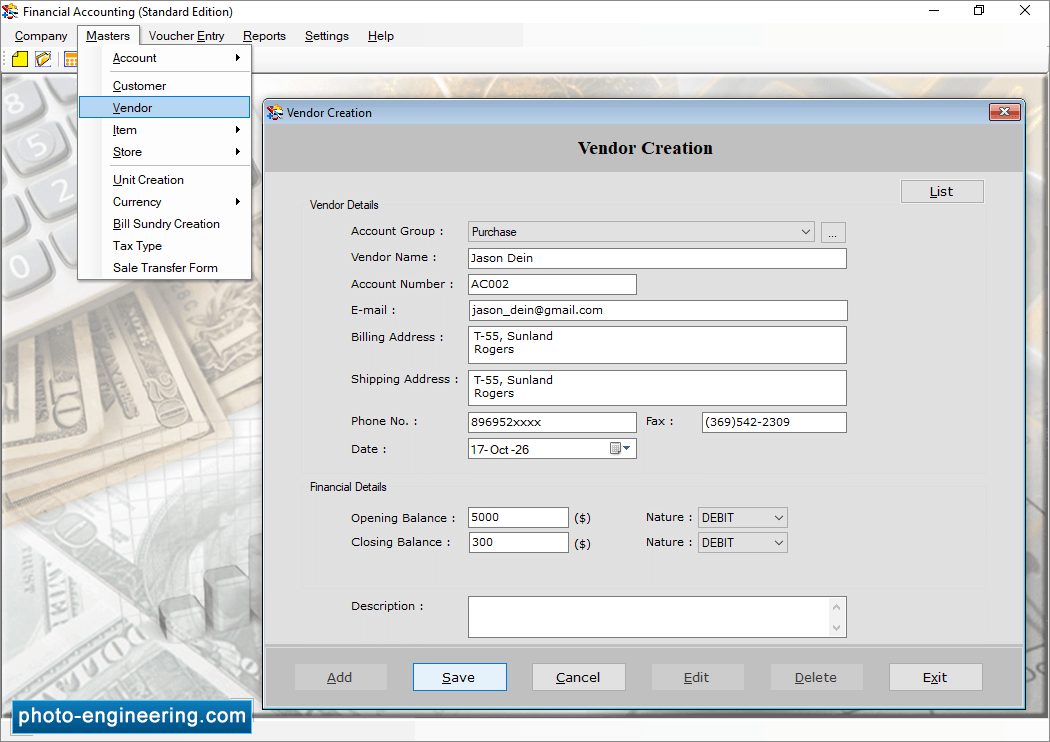
Enter Vendor Details and Financial Details as per need.


