
Screenshots MSI to EXE Creator
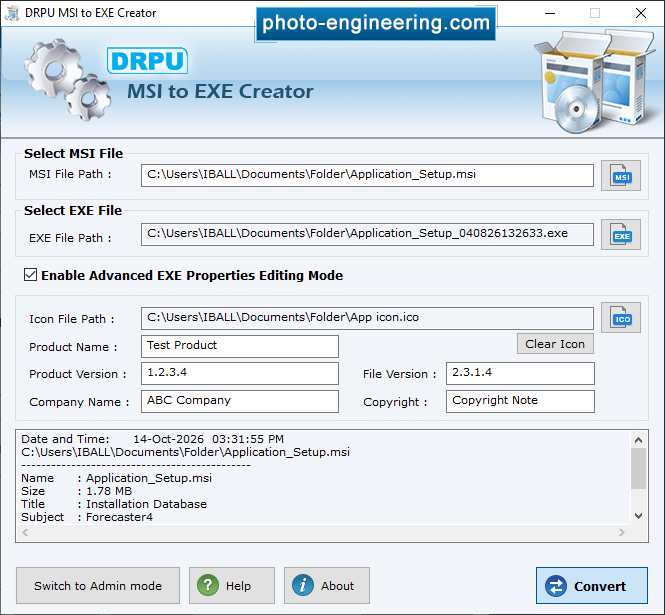
Select "Enable Advanced EXE Properties Editing Mode" Checkbox to define Icon, Product Name, Version, Company Name and Legal Copyright details while creating EXE file.
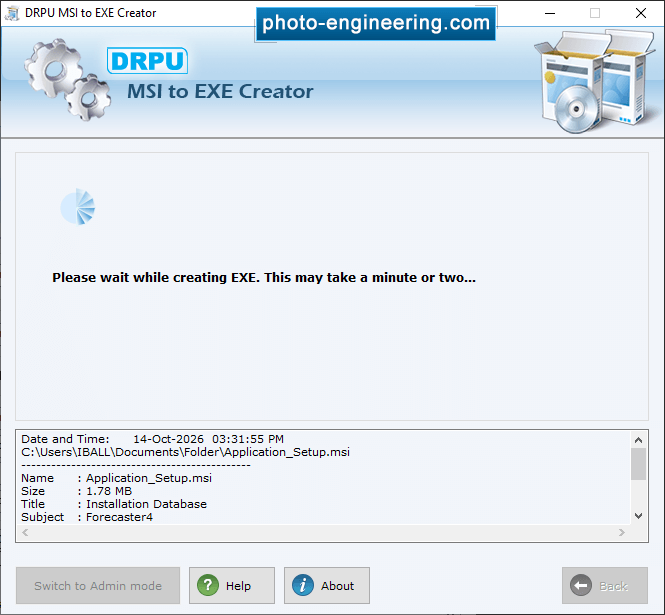
MSI to EXE Creater takes a minute to convert .msi file into .exe format.
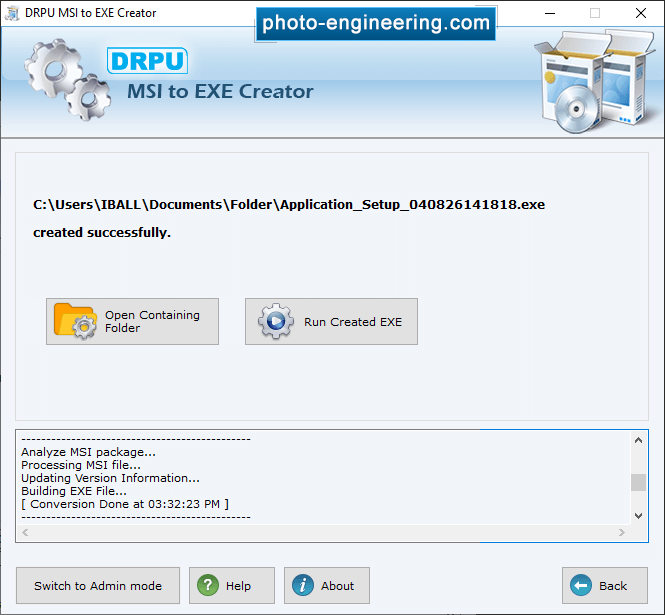
Wizard shows exe file of your project is successfully created.
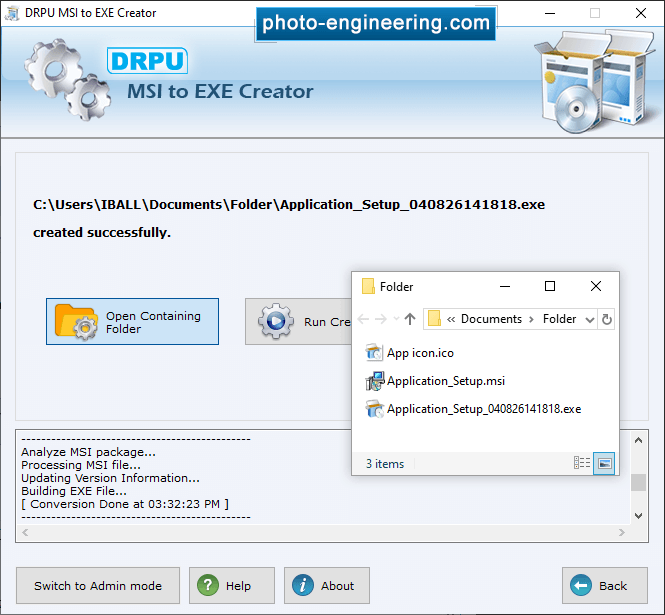
Open a contaning Floder Select Files.
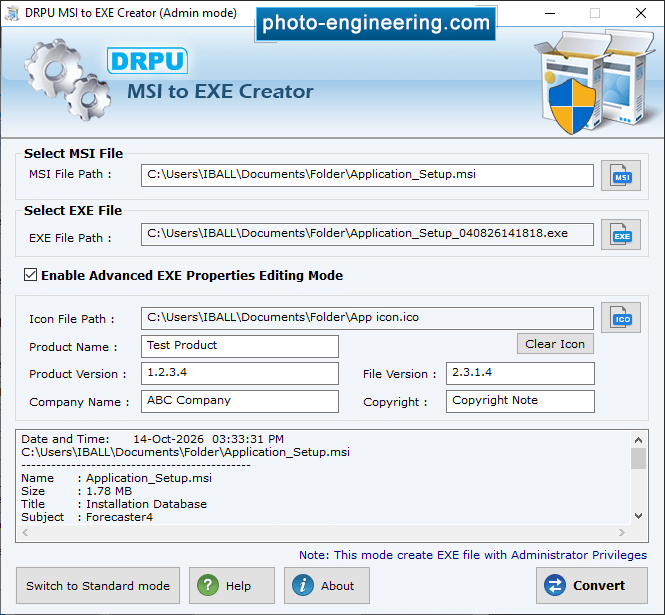
Enable Advanced EXE properties editing mode and click on Convert button to convert into .exe file format.


